
When using an eSIM in Egypt, you want every megabyte to be spent on what matters: maps, messages, and photos sent to the people back home. Our phones are factory-set to consume data in the background for updates, syncing, and downloads that we may not even notice. If you do not change a few simple settings, you may find that your data package runs out much faster than it normally would.
The good news is that both iPhones and Android phones have built-in features that “tighten their belts” when they detect a limited connection. Here is how you can make your eSIModo internet last twice as long.
Activating Low Data Mode
The simplest and most effective method on an iPhone is to go to Settings, open the Cellular Data Options section, and activate “Low Data Mode.” This feature automatically stops app updates, photo syncing to iCloud, and other background processes. You can activate this setting specifically for your eSIM profile without affecting the phone’s normal operation.
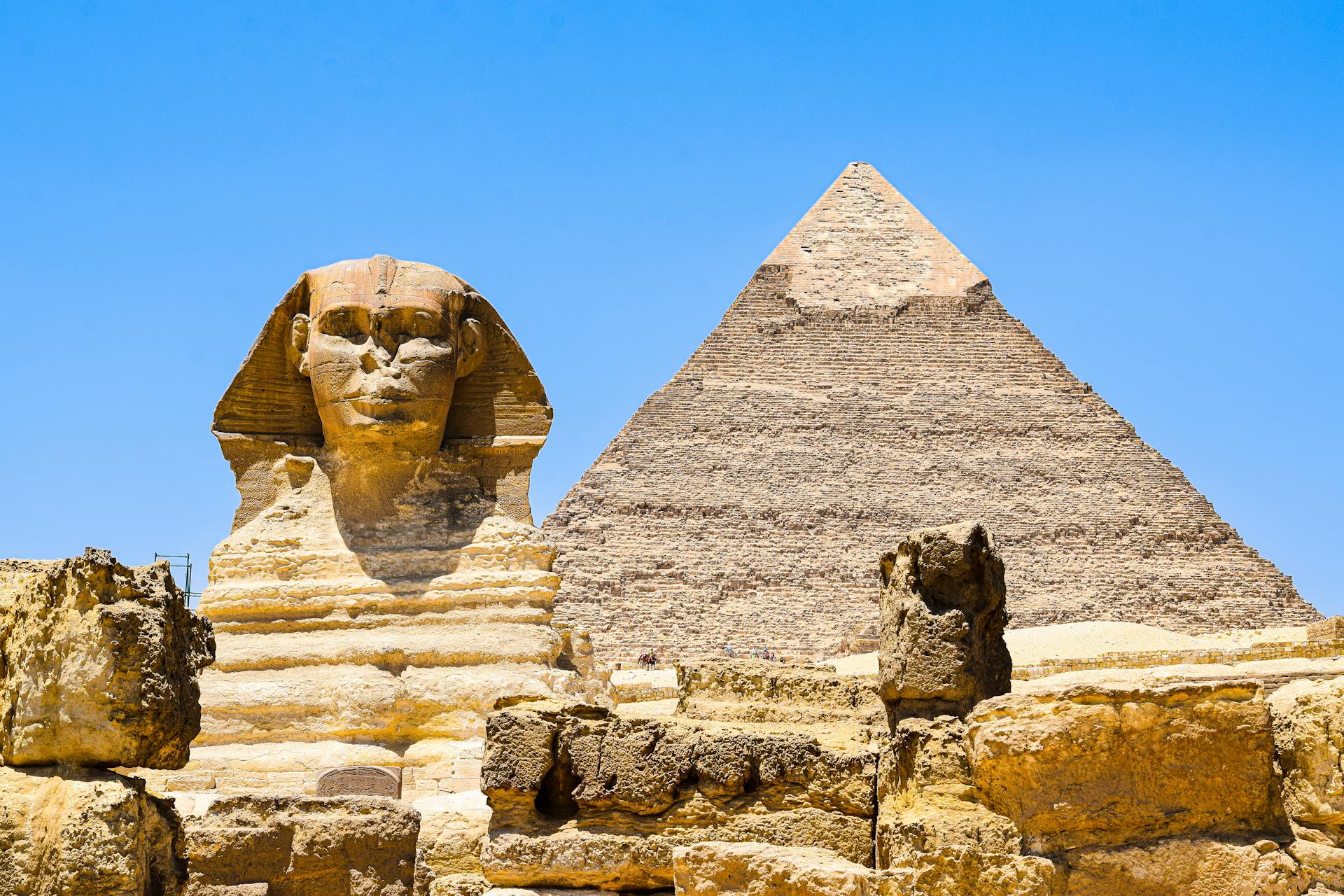
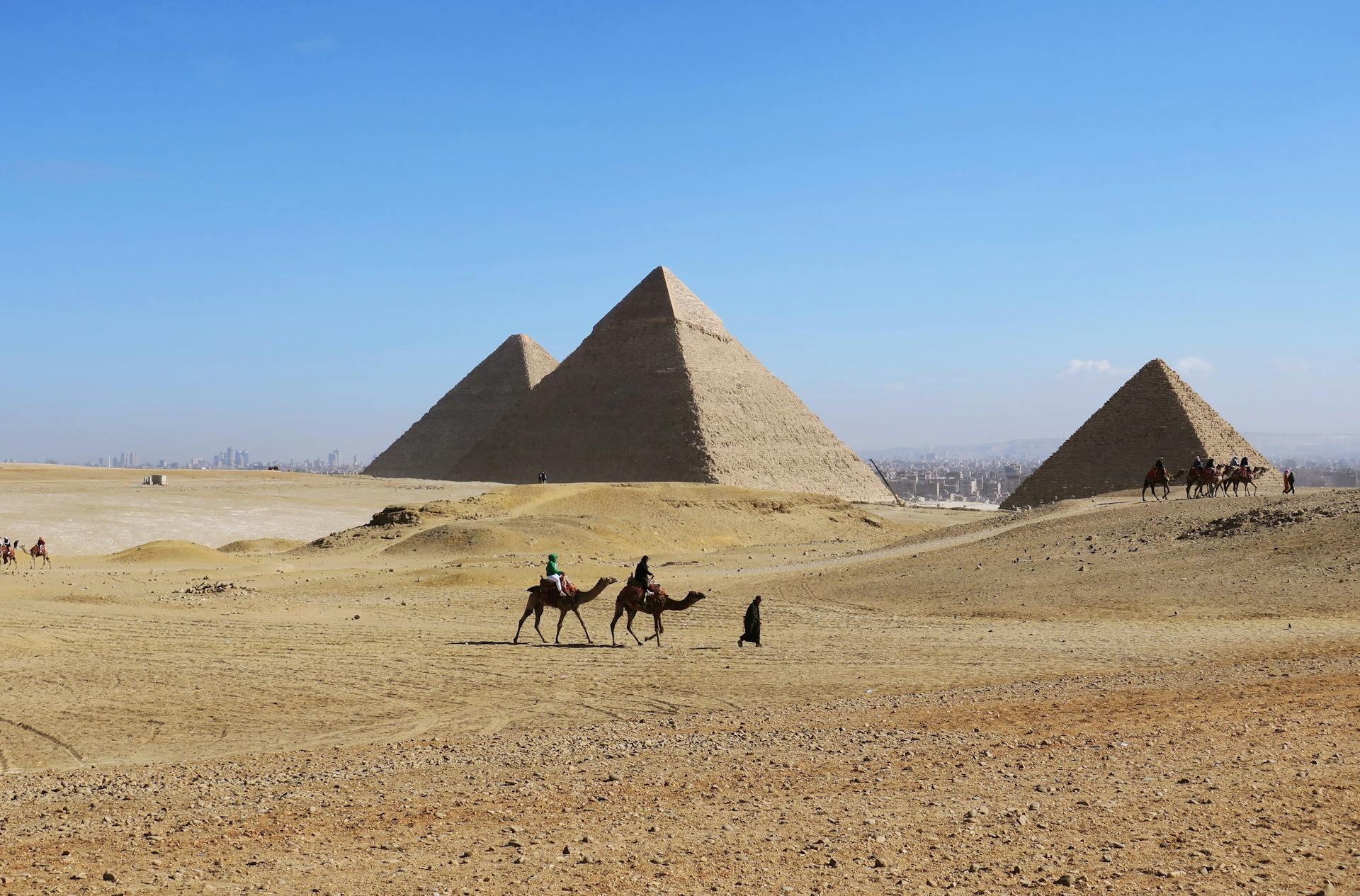
On Android, the feature is usually called “Data Saver,” and you can find it in the mobile network settings menu. Once activated, it prevents apps from sending or receiving data in the background. For example, Facebook will no longer download new content unless you open the app. This is an essential step to avoid wasting internet on services you are not even using while visiting the Pyramids.
Managing automatic downloads and maps
Another common mistake is the automatic downloading of media files from WhatsApp. During a vacation in Egypt, you will probably receive plenty of photos and videos in your friends’ group chats. Go to WhatsApp settings, open “Storage and Data,” and choose to have photos and videos downloaded “Never” or only over Wi-Fi. This way, you decide what is worth downloading and what is not.
You can also reduce consumption by using Google Maps intelligently. Before leaving the hotel, download the map of the area for offline use. Even if you have internet through eSIModo, your phone will use the files that have already been downloaded to show you the streets, consuming data only for real-time traffic updates. This small setting can save you hundreds of MB over an entire day of exploring.
Syncing photos to the cloud
We are used to having photos taken with our phones uploaded immediately to Google Photos or iCloud. In Egypt, where you will probably take hundreds of photos at maximum resolution, this process can “melt away” your data package in just a few hours. Make sure your backup settings are configured to work only over Wi-Fi.
If you still want to have your photos backed up in case you lose your phone, you can manually select just a few important images to upload to the cloud. The rest can sync peacefully in the evening, when you return to the hotel. It makes much more sense to save your data for navigation and urgent communication than for a backup process that can wait until the end of the day.
Constantly monitoring usage
On both iPhone and Android, you can see exactly which app has consumed the most internet since the last reset. If you notice that an app you do not use, such as a game or a news service, has consumed 500 MB for no reason, you can restrict its access to mobile data in that app’s settings.
By using eSIModo, you have the advantage of a transparent data package. By controlling these small details on your device, you can make sure that the internet you purchased lasts for the entire vacation. It is about using resources intelligently, allowing you to stay connected without worrying about running out of data exactly when you most need directions or a taxi.
eSIM Egypt options from eSIModo
If you’re planning to explore Egypt soon, don’t let roaming costs ruin your vacation. For a fast and stable connection as soon as you land, we recommend eSIModo. You can activate an internet eSIM for Egypt in a maximum of 2 minutes, directly on your phone, without having to look for local SIM cards or change your physical SIM.
Here are some available options: