
When you install an eSIM for your vacation in Egypt, one of the biggest concerns involves messaging apps. Many users believe that if they change their internet source or use a new data profile, they will lose their WhatsApp conversations or be logged out. In reality, WhatsApp works independently of the internet connection you use, as long as the app remains configured with your usual phone number.
WhatsApp uses your phone number only for identification and initial authentication. Once the app is active on your phone, it will continue to run regardless of whether you use Wi-Fi, roaming data, or an eSIModo data profile. You do not need to change anything in the app’s settings, and under no circumstances should you delete or reinstall your account when you arrive in Egypt.
Managing your phone settings
To make sure everything works properly, the key is managing your phone’s Dual SIM settings. After installing the eSIM profile from eSIModo.com, go to the settings menu and open the “Connections” or “Mobile networks” section. There, you will see both options: your physical SIM card (your home SIM) and the new digital profile for Egypt.
The rule is simple: set the eSIM as the primary source for “Mobile data,” but keep your regular SIM active for “Calls” and “Messages.” This way, your phone will use affordable, fast internet in Egypt to run WhatsApp, while your account remains linked to your usual phone number. If someone contacts you on WhatsApp, you will receive the messages instantly, just as if you were at home.
Avoiding in-app pop-up windows
When WhatsApp detects a change in the network or SIM card, it may display a message asking whether you want to change the phone number associated with your account. It is very important to choose the option to keep your current number. If you choose to change the number to a local one—which is not relevant for a data eSIM anyway—your friends will no longer find you in their old contact lists.
Here are a few things to keep in mind for an uninterrupted experience:
- Do not tap “Change number” if the app asks you to do so.
- Make sure data roaming is activated only for the eSIM profile, not for your home SIM.
- You can completely disable mobile data for your primary SIM to make sure you do not incur additional charges.
The eSIModo advantage for staying in touch with people back home
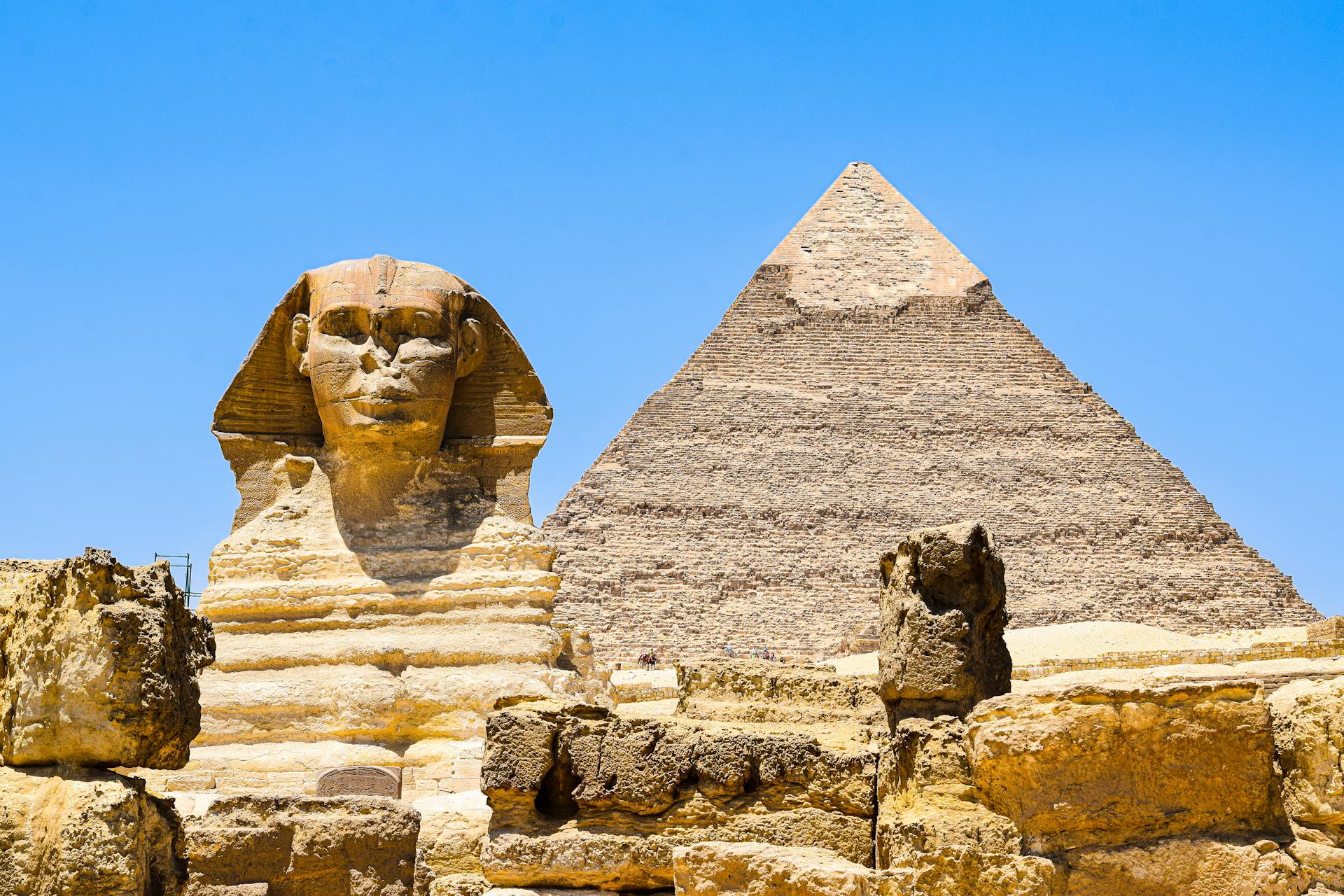
By using eSIModo in Egypt, you can make voice and video calls on WhatsApp without worrying about the connection being interrupted. Unlike hotel Wi-Fi, which often blocks or limits Voice over IP (VoIP) services, a mobile data connection through an eSIM gives you complete freedom. You can show people back home the pyramids in real time via video call, without stuttering.
Another benefit is that you will continue to receive important notifications from banking or security apps linked to your phone number, because your primary SIM remains active in the background for SMS messages. It is the most logical and secure solution for staying connected to everything that matters to you while using the most affordable internet option available to tourists in Egypt.
eSIM Egypt options from eSIModo
If you’re planning to explore Egypt soon, don’t let roaming costs ruin your vacation. For a fast and stable connection as soon as you land, we recommend eSIModo. You can activate an internet eSIM for Egypt in a maximum of 2 minutes, directly on your phone, without having to look for local SIM cards or change your physical SIM.
Here are some available options: